Your MP3s as a private podcast
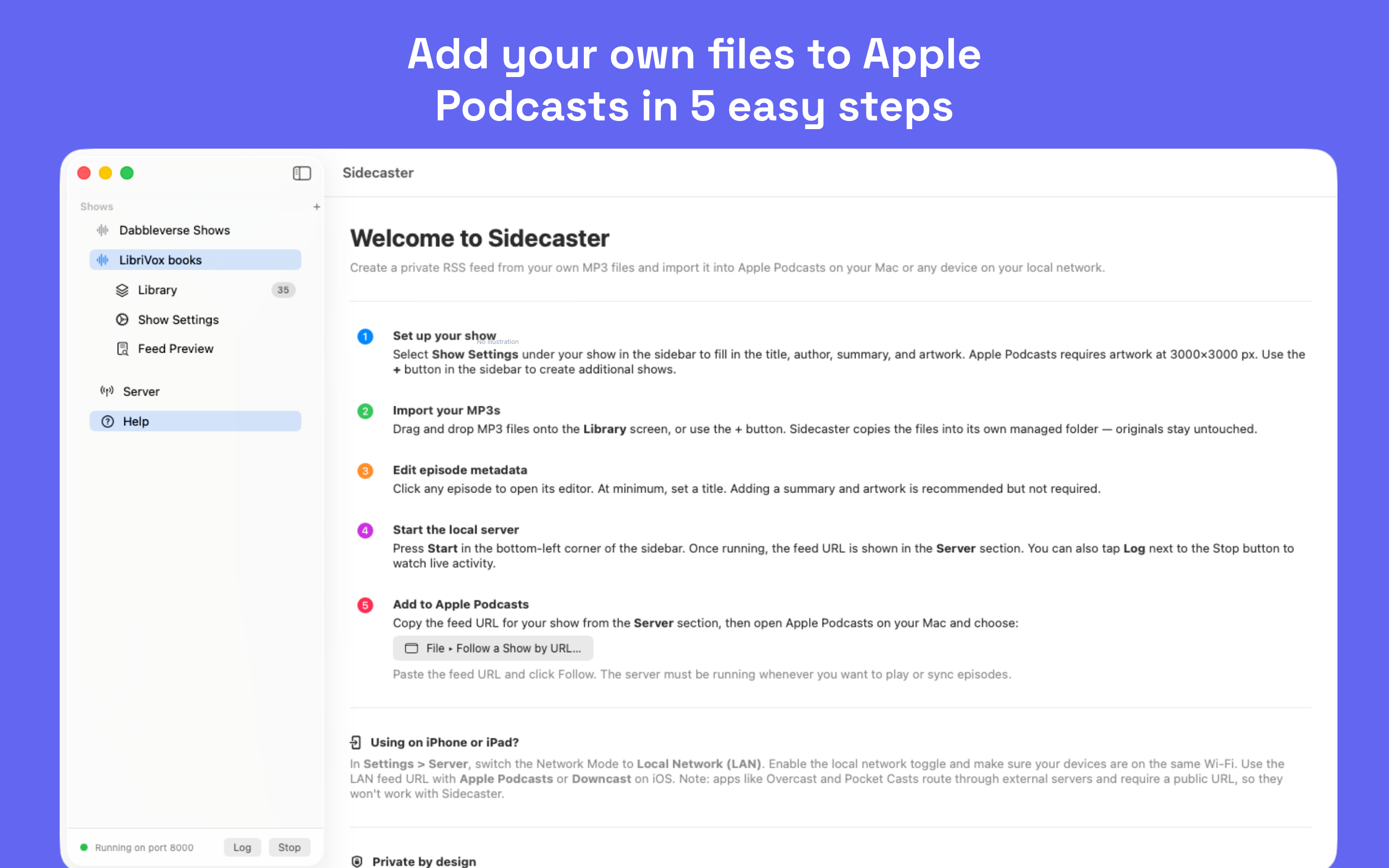
Sidecaster turns your MP3 and M4A files into a private podcast feed you can follow in Apple Podcasts — no publishing, no cloud service, no account required.

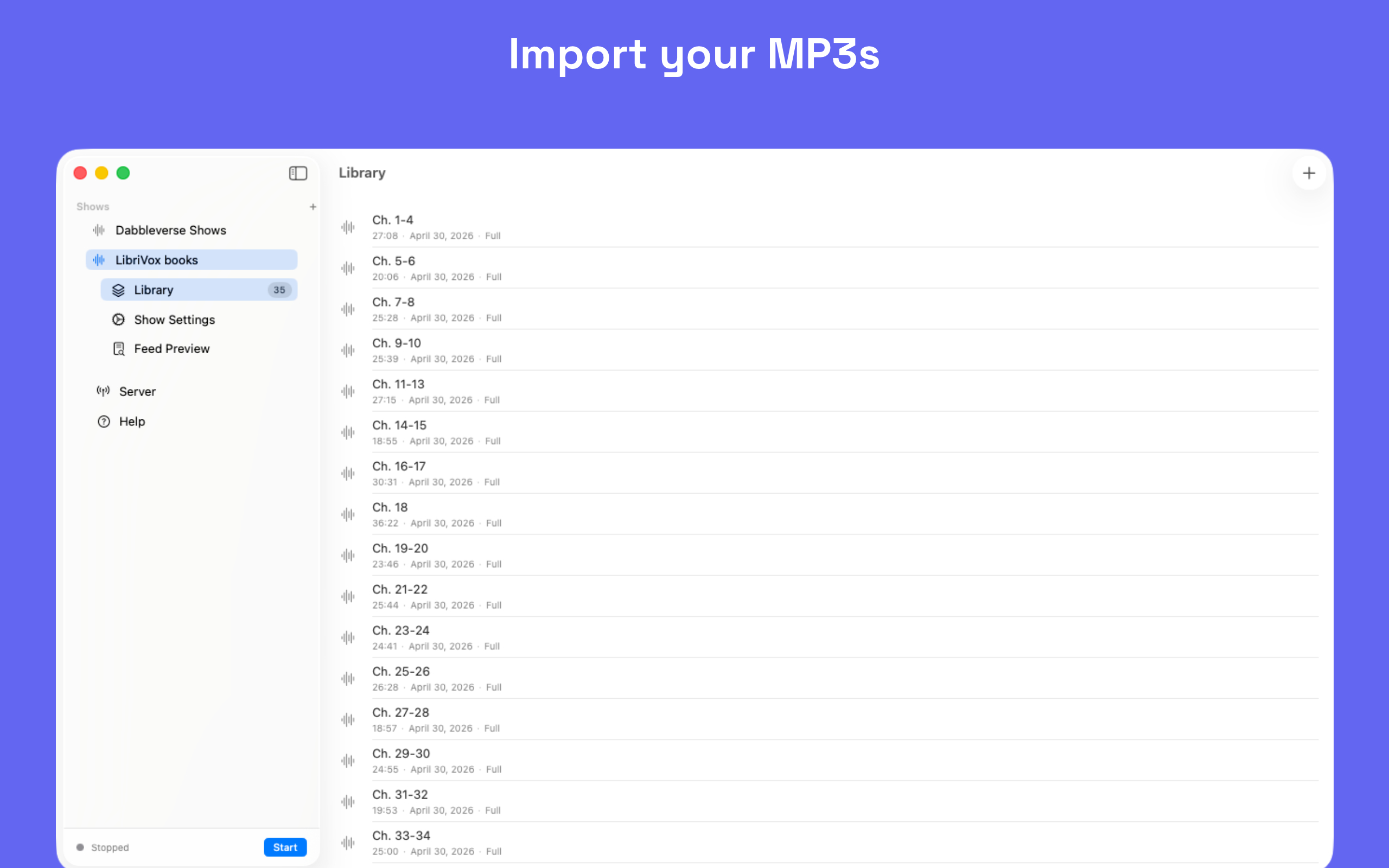
Import MP3 and M4A files with drag-and-drop and turn existing audio into a podcast feed in minutes.
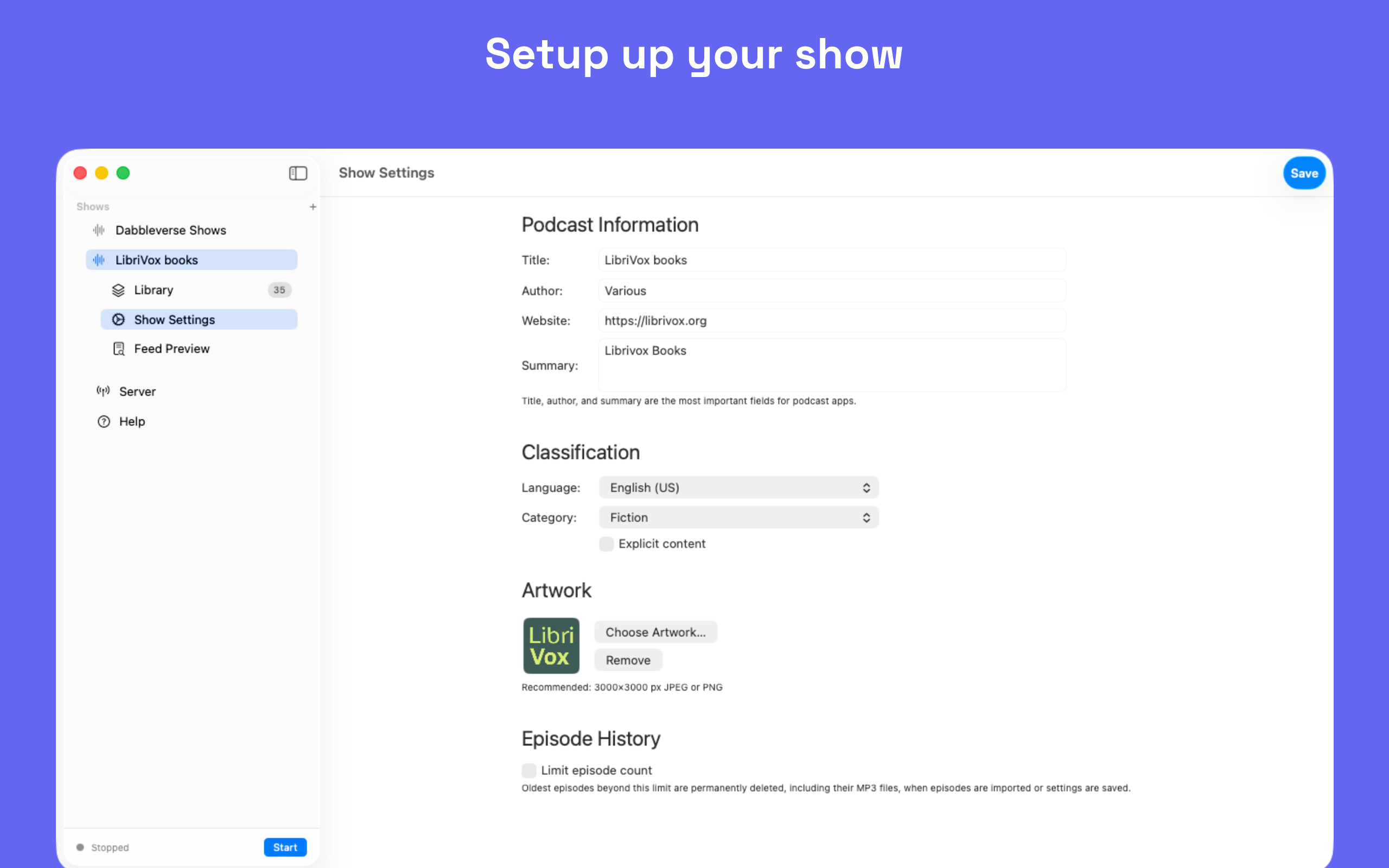
Customize your podcast with a title, author, artwork, description, category, and the details podcast players expect.
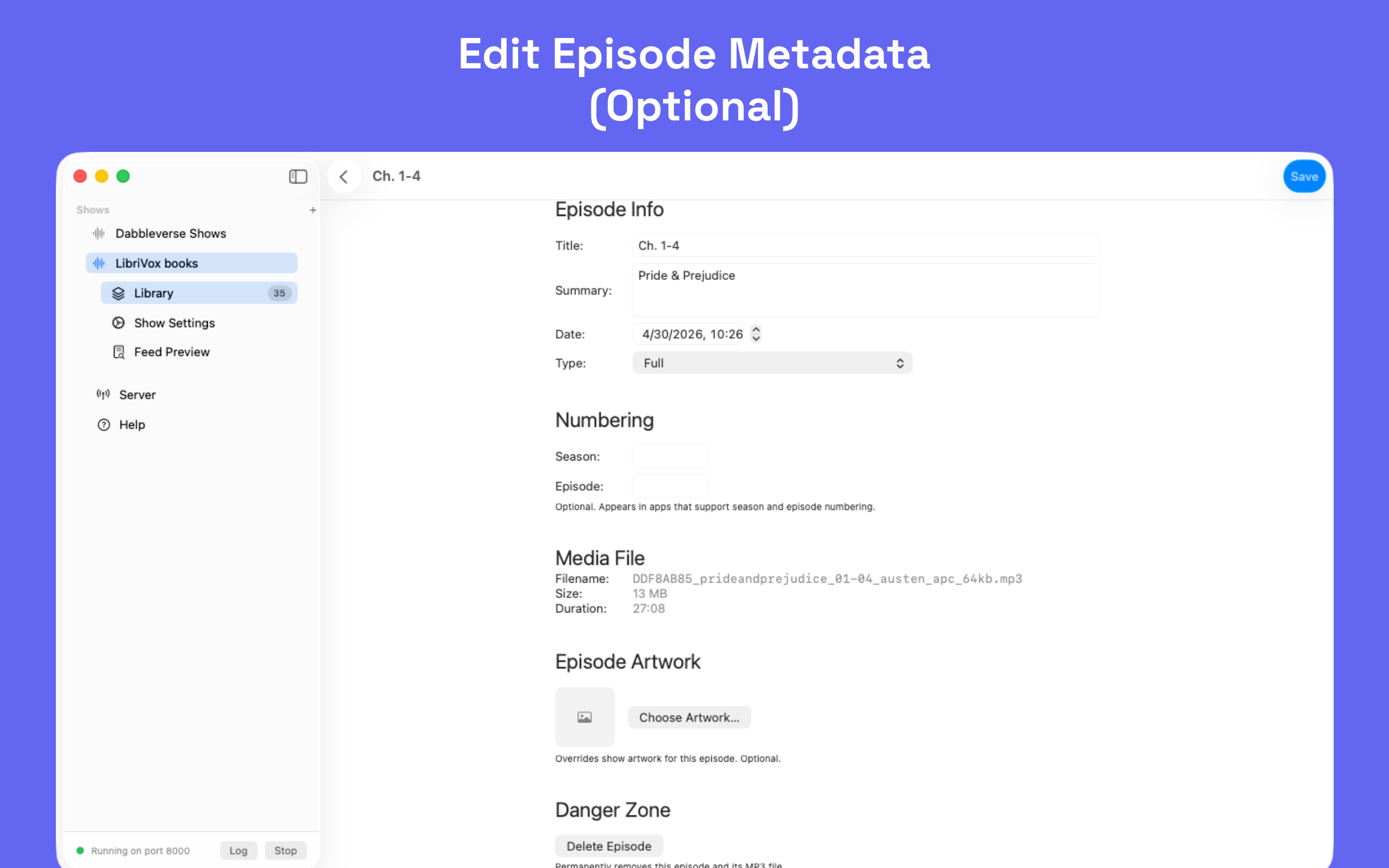
Edit each episode with its own title, summary, artwork, episode number, season, and episode type.
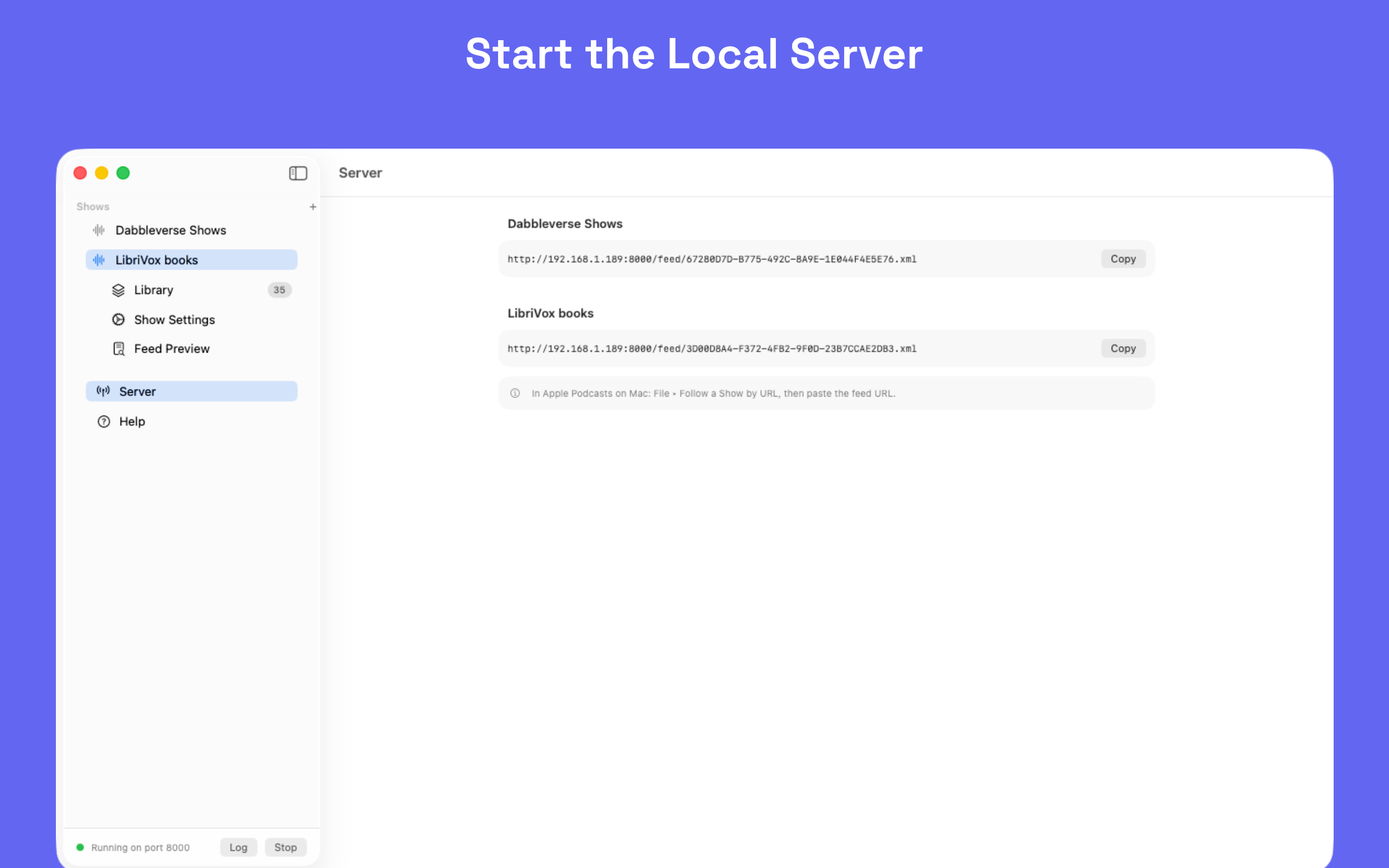
Start the built-in local HTTP server to stream audio on demand directly from your Mac with proper support for scrubbing and seeking.
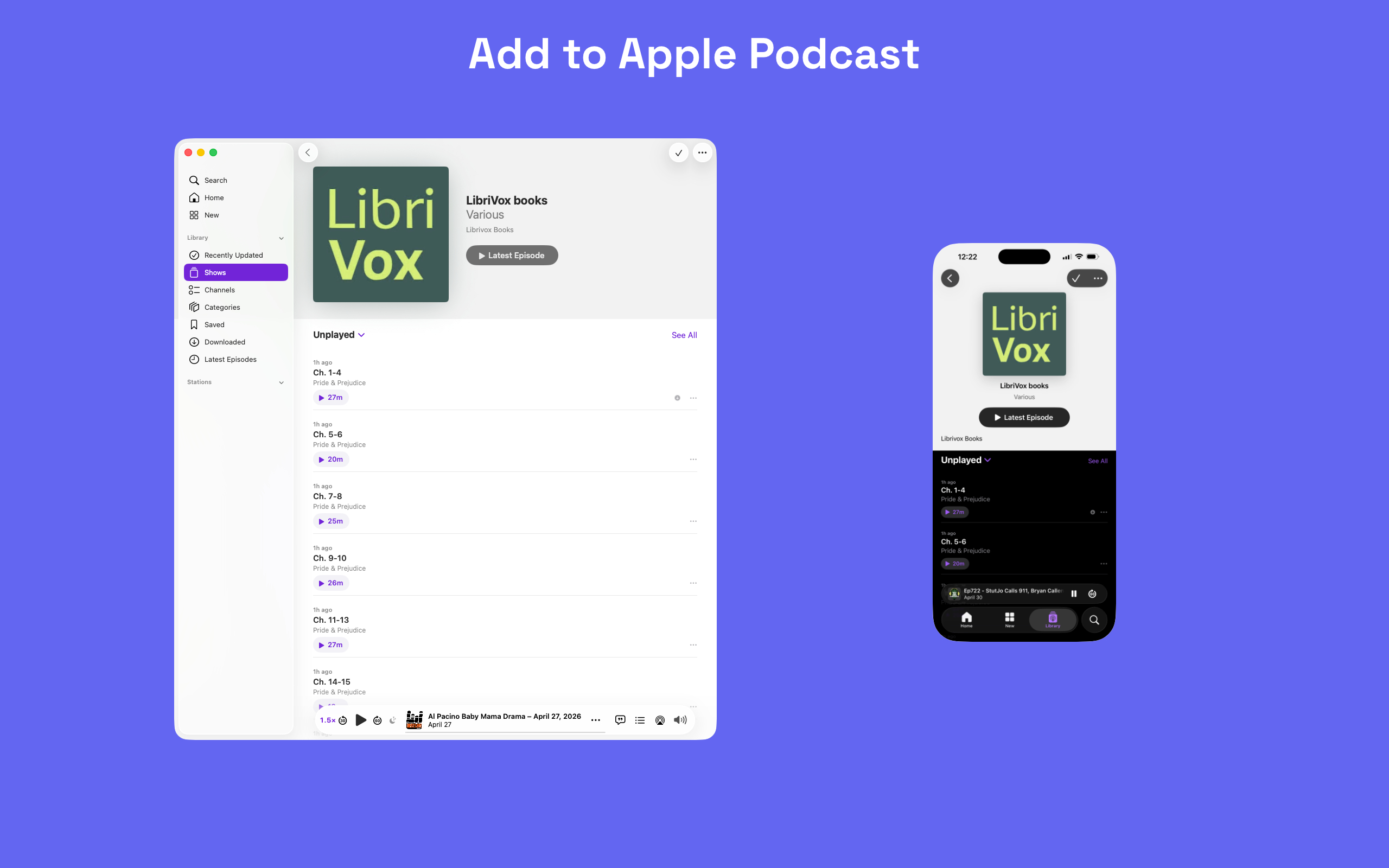
Use Apple Podcasts on Mac and iPhone or Downcast, plus other podcast players that fetch feeds directly from the URL you provide. Apps that proxy requests through their own servers, like Overcast and Pocket Casts, will not work with a feed served from your Mac.
Your audio stays on your Mac with no accounts, subscriptions, analytics, or cloud service unless you choose Local Network mode on your own Wi-Fi.
Scroll or use arrows to view all screenshots
No articles yet. Check back soon for tips and updates!